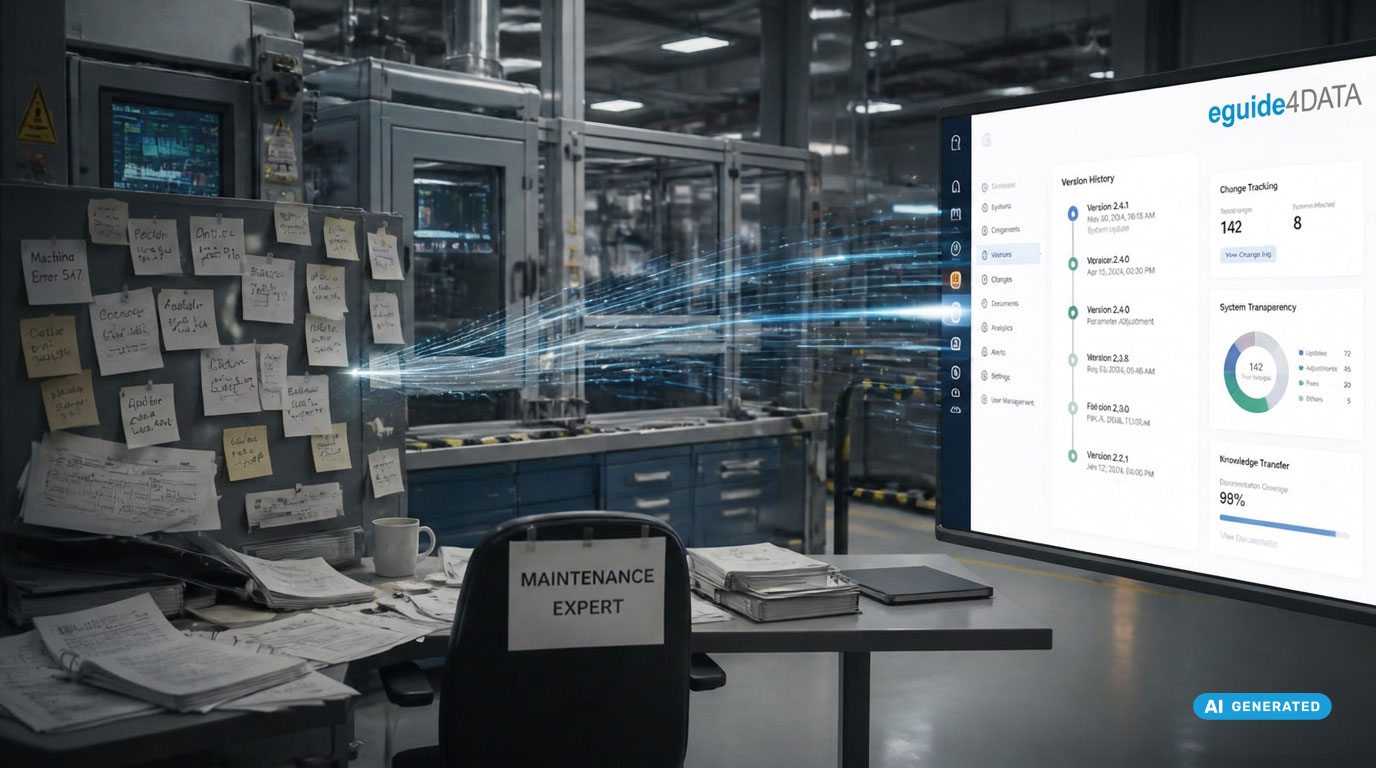
A plant is down. The shift is running.
No one knows which PLC version was the last approved one.
The backup is stored somewhere –
but where exactly, and whether it is current, is known only by the colleague who is currently unavailable.
This is exactly the moment when it becomes clear whether your restore process works.
OT disaster recovery is not a theoretical IT exercise.
It is operational reality – and the difference between 20 minutes, several hours, or even days of downtime.
What production downtime really costs
The cost of unplanned production downtime varies greatly by industry:
- Automotive: up to EUR 22,000 per minute
- Discrete manufacturing: typically EUR 5,000 to 15,000 per hour
What is often missing from these numbers:
the time teams need just to find the correct backup version.
Typical Weak Points in the OT Restore Process
- No central repository: Backups on USB sticks, local laptops, or network drives without version information
- Unclear approval status: No certainty about which version is the last approved one
- Missing restore documentation: The process exists only in the heads of a few individuals
- No online/offline comparison: Unclear whether the loaded version matches the productive system state
- Incomplete documentation: Actions taken during incidents cannot be reconstructed later
The Professional Restore Workflow with eguide4DATA
Step 1: Identify the approved version
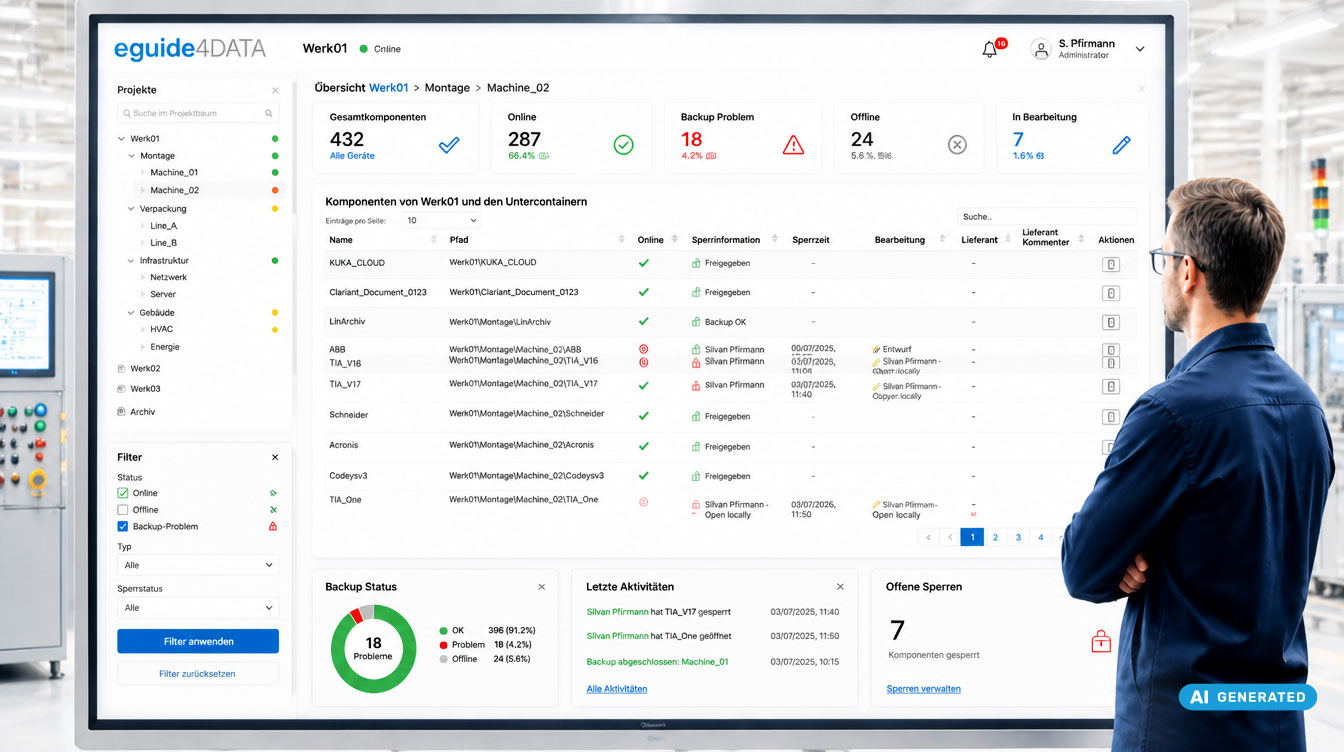
All versions are stored in the central repository with status, approval, timestamp, and user information. The latest approved version is immediately identifiable – without searching or follow-up questions.
Step 2: Trigger one-click restore
The selected version is automatically transferred to the respective engineering tool via eguide4DATA. No manual file transfer. No opening of separate applications.
Step 3: Online/offline comparison
eguide4DATA compares the current device state with the last approved version. Deviations are documented and responsible persons are informed – security for the technician, evidence for auditors.
Step 4: Documentation & approval
The entire process is logged automatically. If required, with an approval workflow and four-eyes principle.
Step 5: Start production
With a verified, documented system state. Fully traceable for the next audit.
Conclusion: Speed in incidents is not luck – it is preparation
Teams that spend hours searching during incidents do not have bad technicians.
They lack structured processes.
eguide4DATA provides your team with the platform that makes recovery a documented, reproducible, and audit-ready process.
FAQ: OT‑Disaster‑Recovery & Wiederanlauf
How fast can a restore be performed with eguide4DATA?
The decisive time saving lies before the technical restore:
no searching for the correct backup version,
no clarification of who changed what and when.
What happens if the eguide4DATA server itself fails?
eguide4DATA can be operated as a highly available cluster server on-premise.