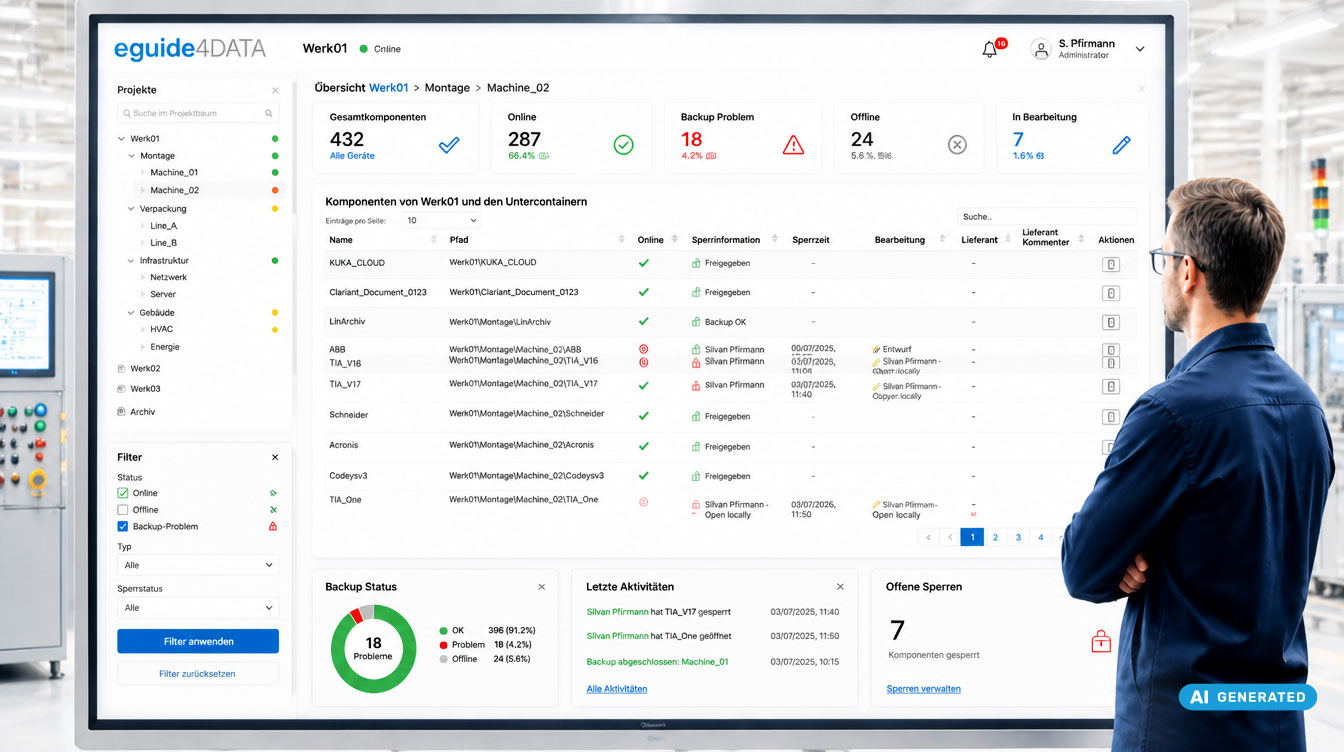
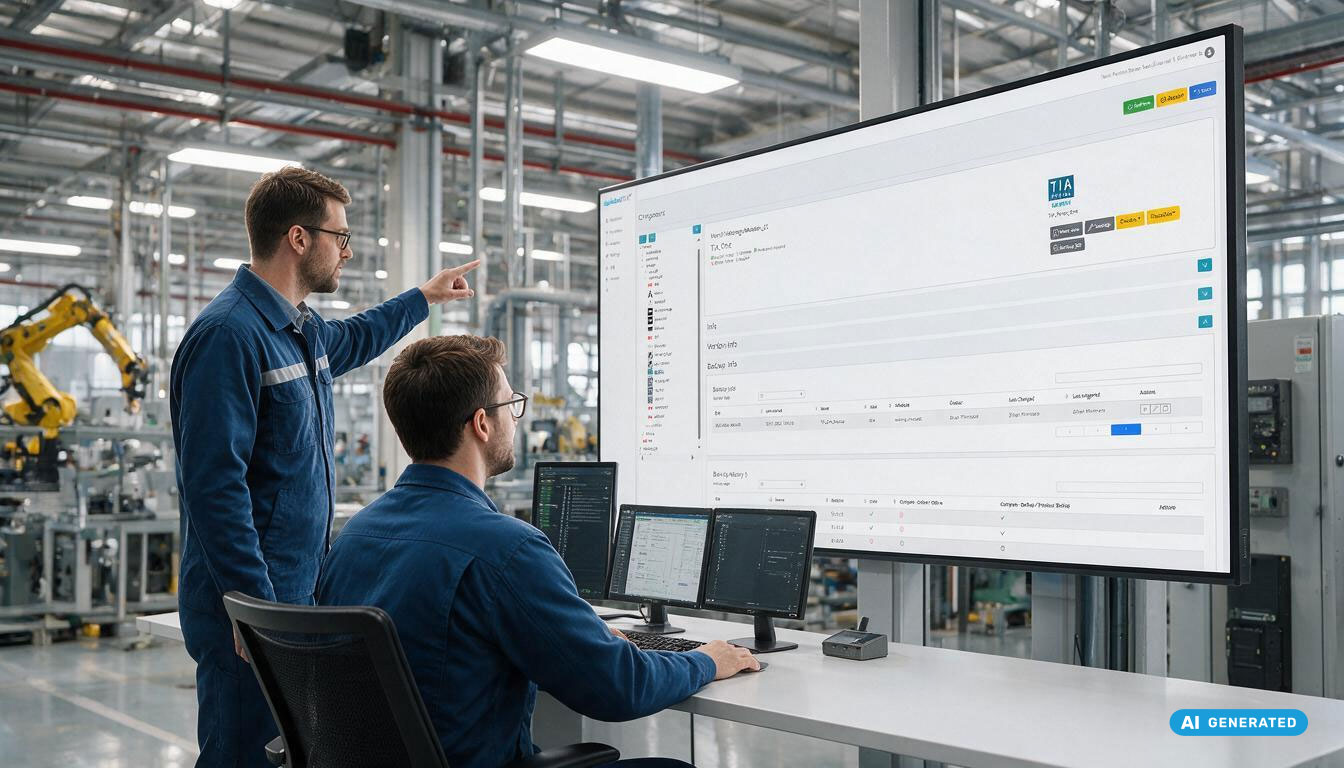
How do companies keep track of changes to PLCs, HMIs or robot controllers? This article explains the role versions, revisions and backups play in eguide4DATA. You will also learn why PLC versioning, OT backups and online/offline comparisons are essential for traceability, change management and recovery.
Why the Difference Matters
Many companies have backups of their PLCs, HMIs or robot controllers. But when a fault, an unplanned plant shutdown or an unexpected change occurs, the same question often comes up:
Which state was actually the last approved and working one?
This is exactly where version, revision and backup differ.
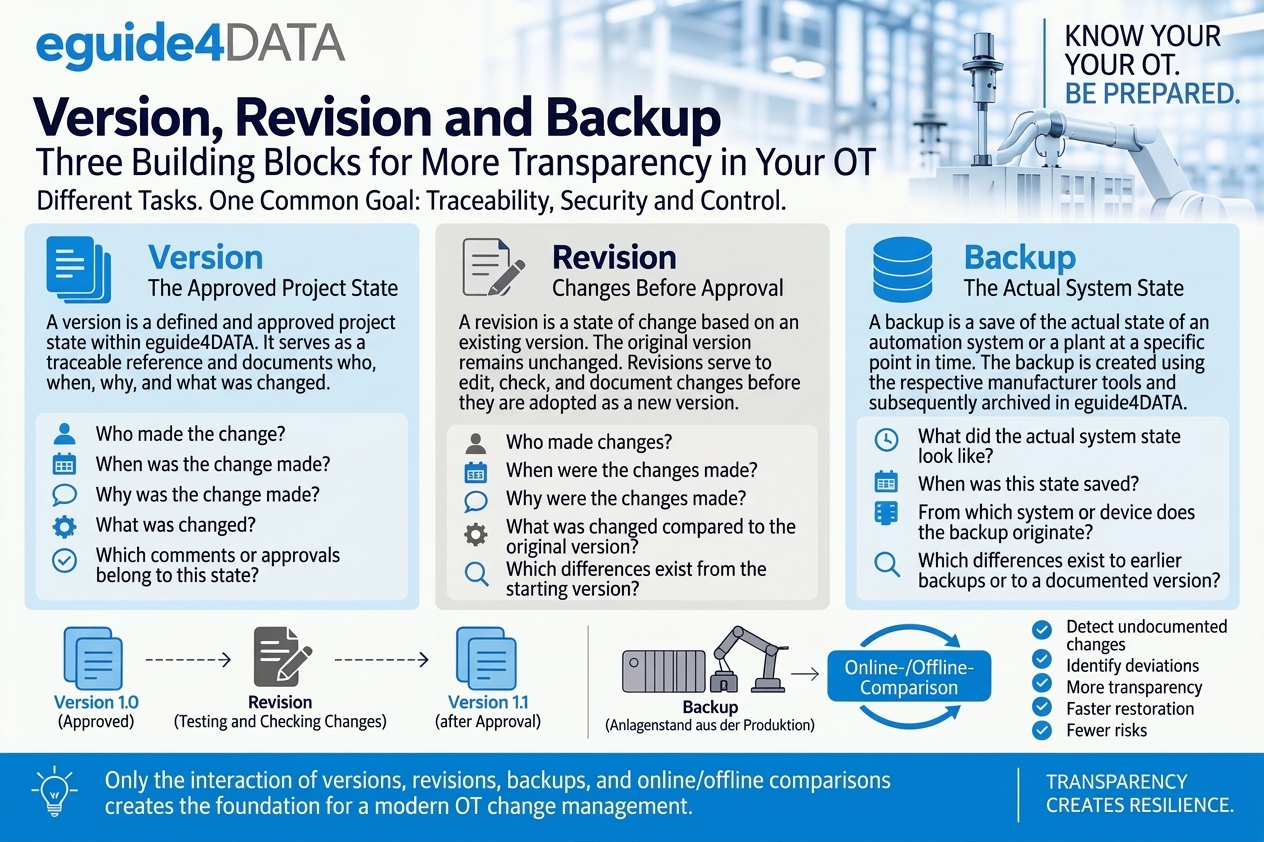
While a backup secures a plant state, versions and revisions document the history of changes. Only the interplay of these functions creates the foundation for modern OT change management, traceable PLC versioning and a reliable recovery strategy.
Version, Revision and Backup at a Glance
| Term | Meaning in eguide4DATA |
|---|---|
| Version | The approved and documented project state |
| Revision | Changes to an existing version before approval |
| Backup | The automatically secured plant state |
| Online/offline comparison | Comparison between the approved project state and the secured plant state |
The Version: The Approved Project State
In eguide4DATA, a version describes the officially approved state of an automation project. This state serves as a reference for comparisons, restores, audits and change records.
Important information is documented for every version:
- Who made the change
- When the change was made
- What was changed
- Where the change was made
- Why the change was made
- Difference report between versions/revisions
This creates a complete history of all approved changes. The version is the basis for professional versioning, or version control, and ensures that changes remain traceable in the long term.
The Revision: Changes Before Approval
Not every change should be released immediately as a new official version. That is why eguide4DATA supports working with revisions.
A revision lets you make changes to an existing version, test them and develop them further without altering the currently approved version. Other ways of working with revisions are also possible.
Practical Example
A machine is delivered and approved as version 10. During commissioning, additional optimizations are made. These changes are first documented and tested as revisions. Only after successful testing and approval do they become the new version 11.
This keeps the following traceable at all times:
- Which state was officially approved
- Which changes are currently being worked on
- Which adjustments were adopted later
- How a project state has evolved
The Backup: The Secured Plant State
While versions and revisions arise within change management, a backup comes directly from the production environment. eguide4DATA creates automated OT backups (e.g. Siemens TIA Portal, Rockwell, Beckhoff and more) using the respective manufacturer tools and archives them centrally.
A backup answers the question:
Which plant state was actually secured from production at a given point in time?
This provides a reliable basis for restores, troubleshooting and OT recovery scenarios. Automated backups help prevent data loss and speed up the recovery of critical automation systems.
The Key Difference: Online/Offline Comparison
The real added value comes from combining versioning and backup. eguide4DATA can compare the automatically secured plant state with the approved version and monitor for unauthorized changes.
These online/offline comparisons make it possible to detect, among other things:
- Undocumented changes
- Deviations between plant and project state
- Changes made by external service providers
- Unplanned adjustments to PLCs, HMIs and other OT devices
- Possible causes of production disruptions
This creates transparency about the actual condition of the plant and whether it matches the approved project state.
Why Backup and Versioning Belong Together
Many companies focus exclusively on backups. For a fast recovery, however, that is often not enough. Besides the secured plant state, it must be clear:
✅ Which state was officially approved
✅ Which changes were made
✅ Who made the changes
✅ Why the changes were made
✅ Whether the plant still matches the approved state
This is exactly the information eguide4DATA provides by combining versions, revisions, backups and online/offline comparisons.
Conclusion: More Transparency, More Recovery Confidence, More Control
Version, revision and backup are not synonyms in eguide4DATA, but three building blocks of a consistent OT change management.
Versions document approved project states. Revisions manage changes before approval. Backups secure the actual plant state. Automatically comparing this information creates transparency about what was approved, what is being worked on and what state is currently running in production.
This simplifies troubleshooting, reduces the risks of undocumented changes and supports faster recovery of critical automation systems.
Would you like to see how this works in practice?
The differences between version, revision and backup are easiest to understand directly in the system. That is why we are happy to show you these functions in a personal live demo of eguide4DATA. Using a real automation project, you will see how PLC versioning, revision management, OT backups and online/offline comparisons work together. This shows the value they bring to the daily operation of a production plant.
👉 Book a no-obligation demo and see for yourself how eguide4DATA creates transparency about changes, supports recovery processes and improves control over your OT projects.