Monday morning, 06:14 AM
The early shift arrives. The systems are down. Not a single HMI shows a normal screen -instead a text message:
“Your files have been encrypted. Contact us to recover your data."
This is not a hypothetical scenario. It is what companies worldwide have experienced in recent years - in the food industry, in mechanical engineering, in automotive supply. And it will happen more frequently.
The question is no longer if production companies will be targeted. The question is how long they need after an attack to get their production running again.
How ransomware infiltrates OT environments
Many production managers believe their OT networks are isolated. In practice, this is rarely true.
Remote maintenance access for machine suppliers, USB connections between IT and OT, poorly secured engineering laptops - the attack vectors are numerous and often not documented.
The typical sequence of an OT ransomware attack:
- Phase 1 - Infiltration: Attackers gain access via the IT network, often through phishing or compromised credentials.
- Phase 2 - Spread: They move laterally through the network and look for transitions to the OT layer – often via SCADA systems or engineering workstations.
- Phase 3 - Target attack: Control software, project versions, backup files – everything that can be encrypted is encrypted.
- Phase 4 - Extortion: Production stops. Every hour costs – according to a study by the Ponemon Institute on average more than 260,000 euros per hour in critical industry.
Why IT protection concepts fail in OT
In IT, the rule is: regular backups in the cloud, fast rollback, redeploy systems. In OT, this is not so simple.
First: Production control systems often run on specific operating system versions that have not been updated for years – because the system is running and no one wants to risk changing anything.
Second: An PLC program is not a simple file. It contains specific configurations, parameter sets, approved versions - things that often cannot simply be “restored". If no one knows which version was last productive and approved, the actual troubleshooting only begins after the attack.
Third: OT systems cannot simply be taken offline for hours while a recovery process is running. Production pressure, ongoing orders, shift operation – this makes typical IT recovery processes in OT a challenge.
What a clean OT backup means in an emergency
The difference between a production downtime of a few hours and one of several days/weeks often comes down to a single question:
Is there a clean, up-to-date, verified state of all control systems?
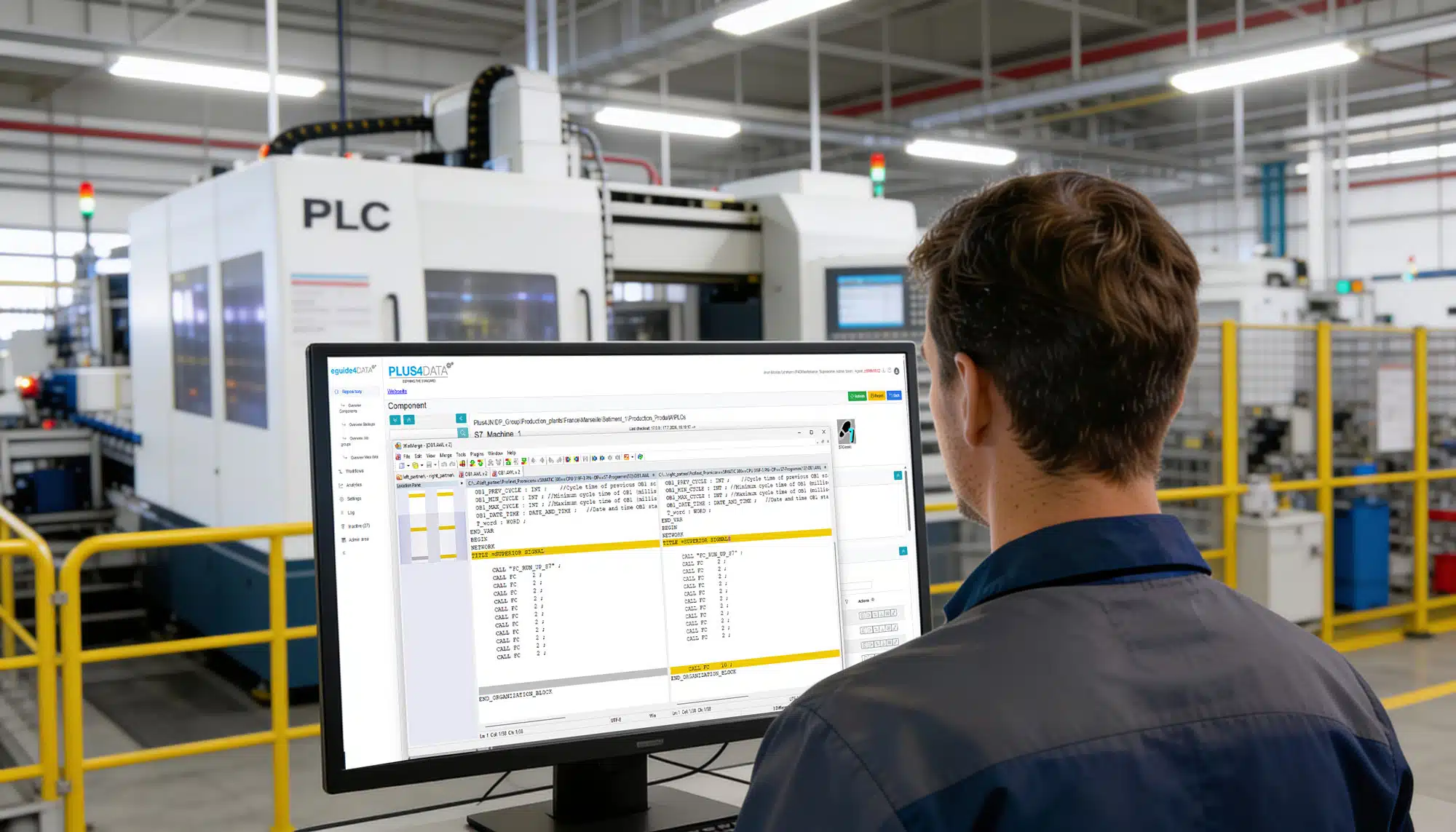
With eguide4DATA you know this. The platform automatically and regularly backs up all automation components - PLC, HMI, robots, CNC and more.
If an attack happens, the answer is no longer a search. You have:
- The last approved state of each system
- The time of the last backup
- A complete log of which changes occurred between the last backup and the attack
- A foundation for immediate restart
This is not a cure-all against cyberattacks. But it is the difference between a controlled recovery and a chaos scenario.
What NIS2 says about it
Since December 6, 2025, the NIS2 implementation law has been in force in Germany.
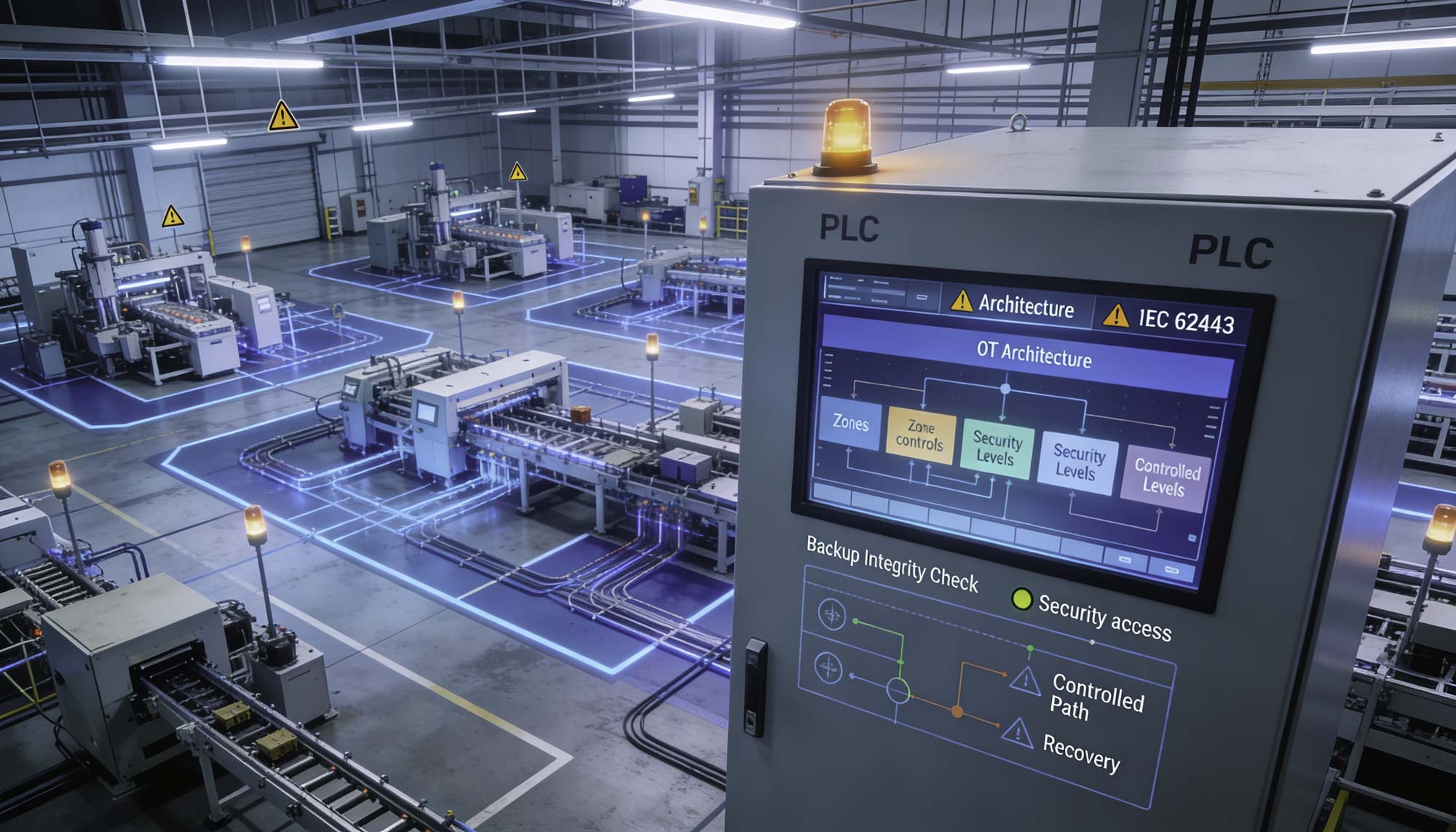
It requires companies in 18 sectors - including manufacturing, energy and transport - to actively protect their OT systems and demonstrate recovery capability.
In plain terms: A tested OT backup concept is no longer optional. It is mandatory. The law takes effect from 2028.
eguide4DATA supports you in not only fulfilling these requirements, but also documenting them - so that you can immediately provide evidence in an audit or in an emergency.
What you can do now
The good news: Prevention is not expensive here. What it is: urgent.
- Inventory: Which OT systems do you have, which are the critical systems and are all recorded and secured?
- Close gaps: Which systems are currently not in an automated backup process?
- Test recovery: When was the last time you checked whether your backups can actually be restored?
- Check documentation: Can you prove in an audit case that your OT backup is NIS2-compliant?
How long would your restart take after a ransomware attack?
Find out in a live demo how eguide4DATA makes the last approved state of all systems immediately available – and enables recovery in hours instead of weeks.
FAQ: OT-Devices & ransomware attack
Are OT devices really a target of ransomware attacks?
Yes. Attackers have realized that production interruptions are extremely expensive and companies are therefore more willing to pay ransom. OT systems are also often less protected than IT systems.
Does eguide4DATA protect against ransomware attacks?
No. But eguide4DATA ensures that after an attack, recovery can be performed quickly and safely – with verified, clean program and configuration states. This significantly reduces downtime.
What happens if the backup system is also attacked?
eguide4DATA supports isolated deployment scenarios (air gap) and immutable backup storage. In addition, backups can be stored in separate network segments or externally. This increases security.
How quickly can recovery take place after an attack?
This depends on the complexity of the systems. What is decisive is that with eguide4DATA the correct state is immediately known and available — this eliminates the often longest phase after an attack: the search.