TIA Portal: Germany's most widely used engineering tool
Siemens TIA Portal is the standard. In plants that run Siemens controllers - and that is a large part of industry - TIA Portal is the daily working environment of maintenance staff and programmers.
And yes, TIA Portal has functions for data backup. You can save, archive and export projects. Many companies do exactly that.
The problem does not lie in these functions themselves. The problem lies in how they are used in practice.
What TIA Portal offers natively
Project archiving: TIA Portal lets you archive projects as a compressed file (.zap). This function is useful - but it is manual. Someone has to actively click "Create archive".
Libraries and versioning: From V16, TIA Portal offers a Version Control Interface (VCI) that can export projects to version control systems such as Git. That is real progress. But it requires technical know-how to set up - and the VCI only covers program blocks (OBs, FBs, FCs, DBs, UDTs, tag lists). Hardware configurations and HMI projects are not included. The state actually running on the controller is not captured either.
Online/offline comparison: TIA Portal can compare the state currently loaded on the controller with the project state. A helpful function - if someone remembers to use it.
Where the limits are
The manual problem: Most backup functions in TIA Portal require a conscious action. Under time pressure, in night shifts, after quick adjustments during ongoing operation - that action is simply forgotten. Or postponed. Or carried out by someone who saves the file locally and never moves it to the archive.
No central repository: TIA Portal itself is not a backup system. There is no central repository that automatically captures the current state of all OT devices in a plant. Anyone who wants that builds it themselves - or uses a specialized tool.
Siemens only: TIA Portal backs up TIA projects. What about the Beckhoff TwinCAT systems in the neighboring hall? The Rockwell controllers on the second line? The KUKA robot in assembly? For those, you need other tools - or a vendor-independent system.
No automatic alerting on deviations: If a technician changes something in the running program without creating a backup, TIA Portal does not notice this automatically and does not report it. The change is simply there - or not.
NIS2 compliance: NIS2 requires documented backup processes, recovery tests and integrity checks. TIA Portal alone cannot generate this evidence in the form auditors expect.
How eguide4DATA complements TIA Portal
eguide4DATA steps in where TIA Portal stops.
Automatic background backup: eguide4DATA backs up automatically and cyclically - without anyone having to take action. The current state on the OT device is regularly compared with the stored state; deviations are detected and logged.
Central version history: Every version, every change, every timestamp - in a central database. Who changed what and when? With comment and approval status.
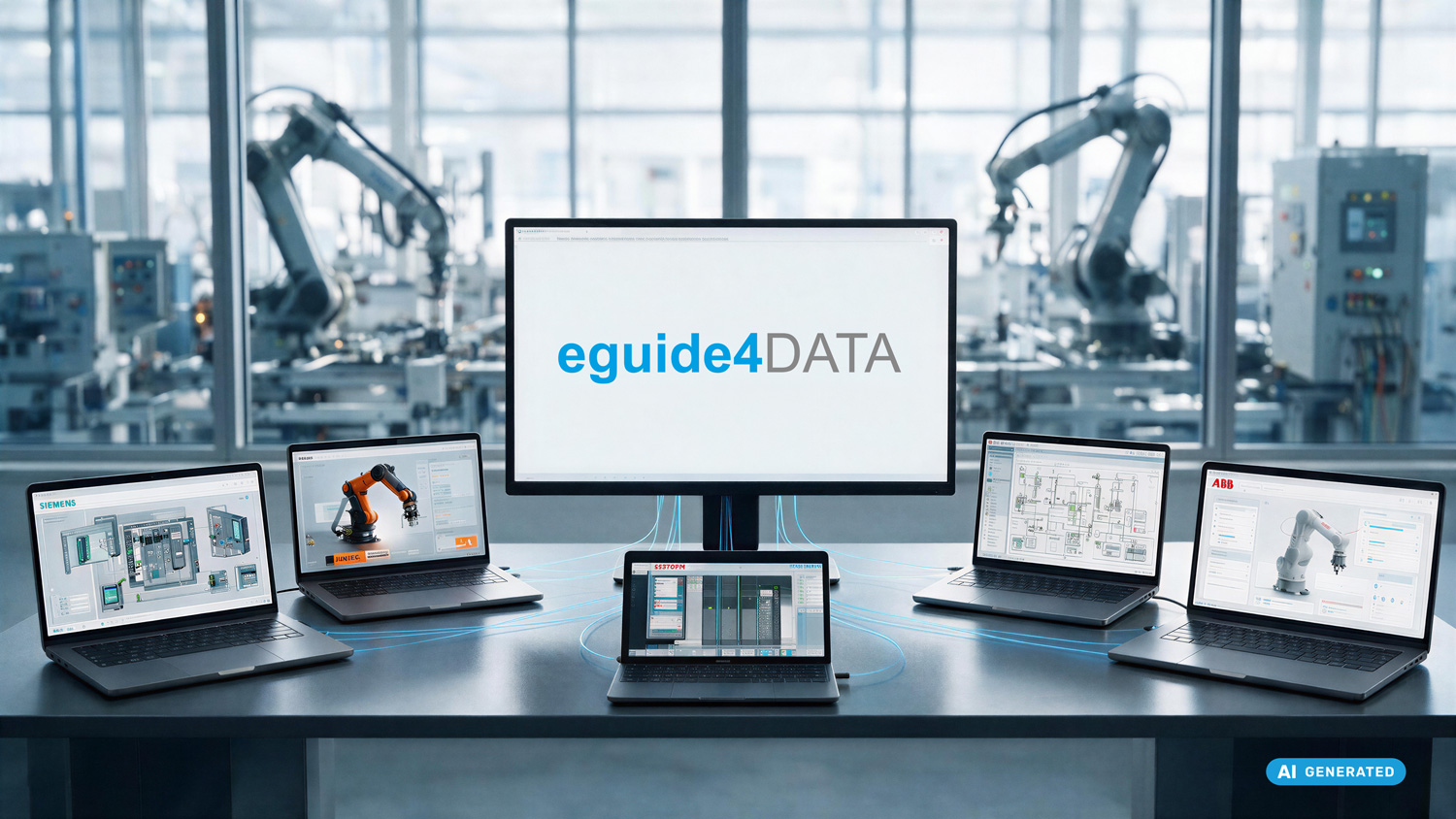
Vendor-independent: Besides TIA Portal, eguide4DATA also supports Siemens Step7 Classic, Beckhoff TwinCAT, Rockwell RSLogix 5000 / Studio 5000, Mitsubishi, KUKA, ABB and more - one central platform for the entire machine park.
Alerting on unauthorized changes: If the state on an OT device changes without a corresponding backup or change documentation, eguide4DATA raises the alarm.
NIS2-compliant documentation: Backup logs, integrity evidence, restore protocols - much of it can be generated automatically and kept available for audits.
A sensible combination
TIA Portal for day-to-day engineering. eguide4DATA for automated, vendor-independent data backup and compliance documentation. The two complement each other - neither replaces the other.
If you work in TIA Portal today and wonder whether your data backup is really watertight, the answer is usually: probably not completely.
The good news: that can be changed.
Using TIA Portal - but still lacking a complete OT backup strategy?
In a live demo, we show how eguide4DATA seamlessly complements TIA Portal: automated background backups, change alerting and NIS2-compliant documentation - without interfering with your operations.
Frequently Asked Questions
How does eguide4DATA support TIA Portal?
eguide4DATA complements TIA Portal. You continue working in TIA Portal while eguide4DATA handles automated backup and documentation in the background.
Does eguide4DATA support all TIA Portal versions?
eguide4DATA supports current TIA Portal versions (from V14). For specific version details, a direct discussion with PLUS4DATA is recommended.
Can older Step7 projects also be secured?
Yes, eguide4DATA also supports Siemens Step7 Classic. These projects can be integrated into the central repository.
What happens if an OT device is offline?
eguide4DATA logs the failed backup attempt and notifies configured recipients. The last successful backup remains available.